Smart node sorting
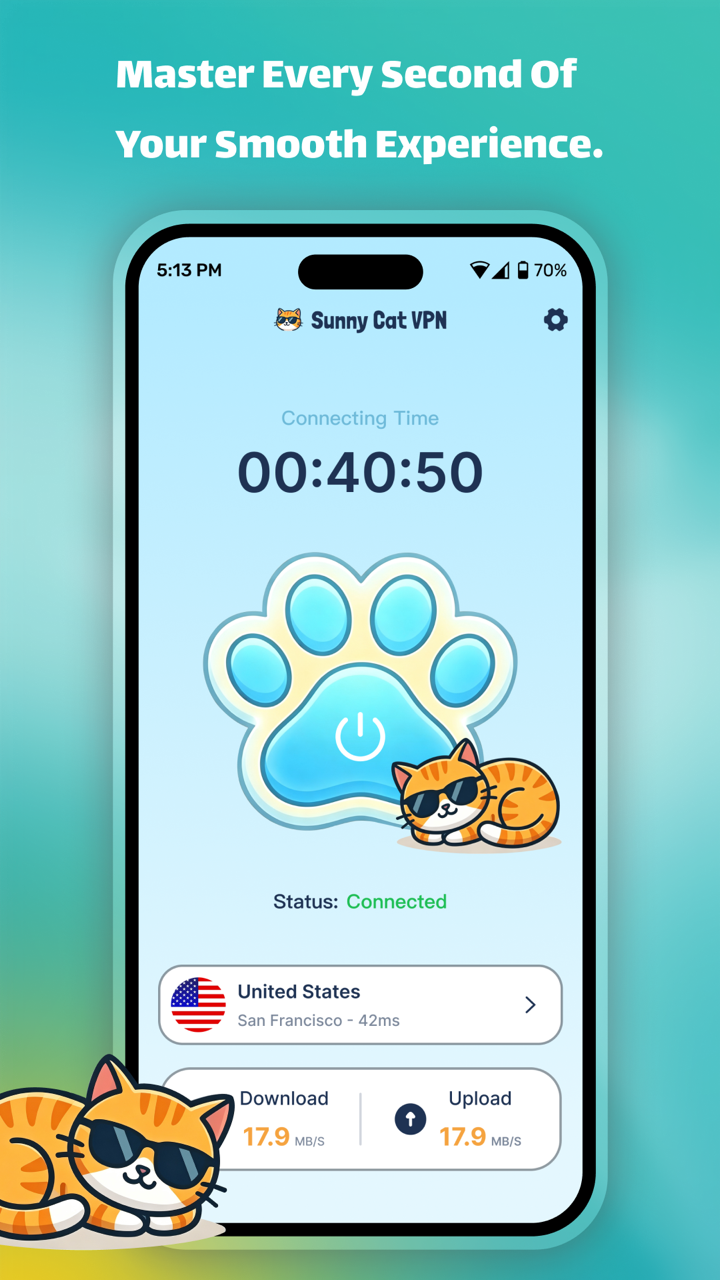
Compare available routes with latency shown at a glance.
 Sunny Cat VPN
Made for Android
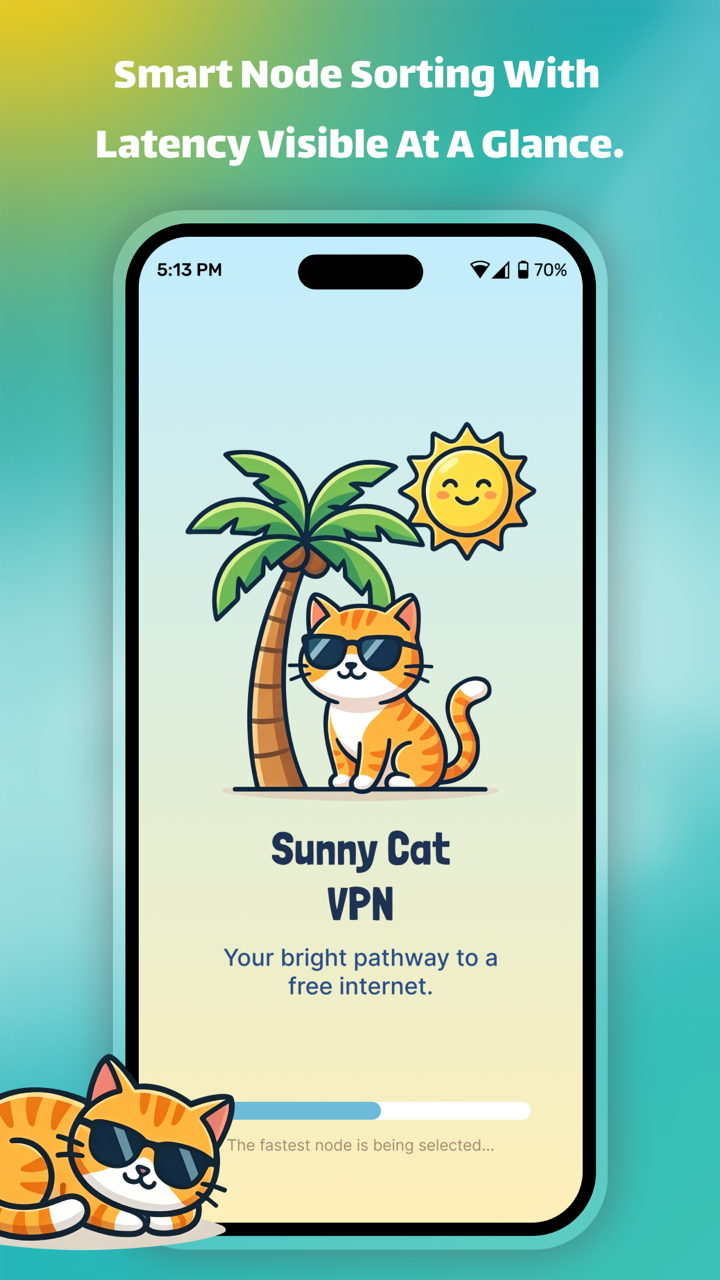
Choose a node, see its latency, and connect in a tap. Sunny Cat VPN keeps the controls clear and the useful details close.
The sunny route
Everything you need to choose, connect, and check your route stays within easy reach.
Compare available routes with latency shown at a glance.
Start or stop your connection from one focused screen.
Keep connection time, status, download, and upload figures visible.
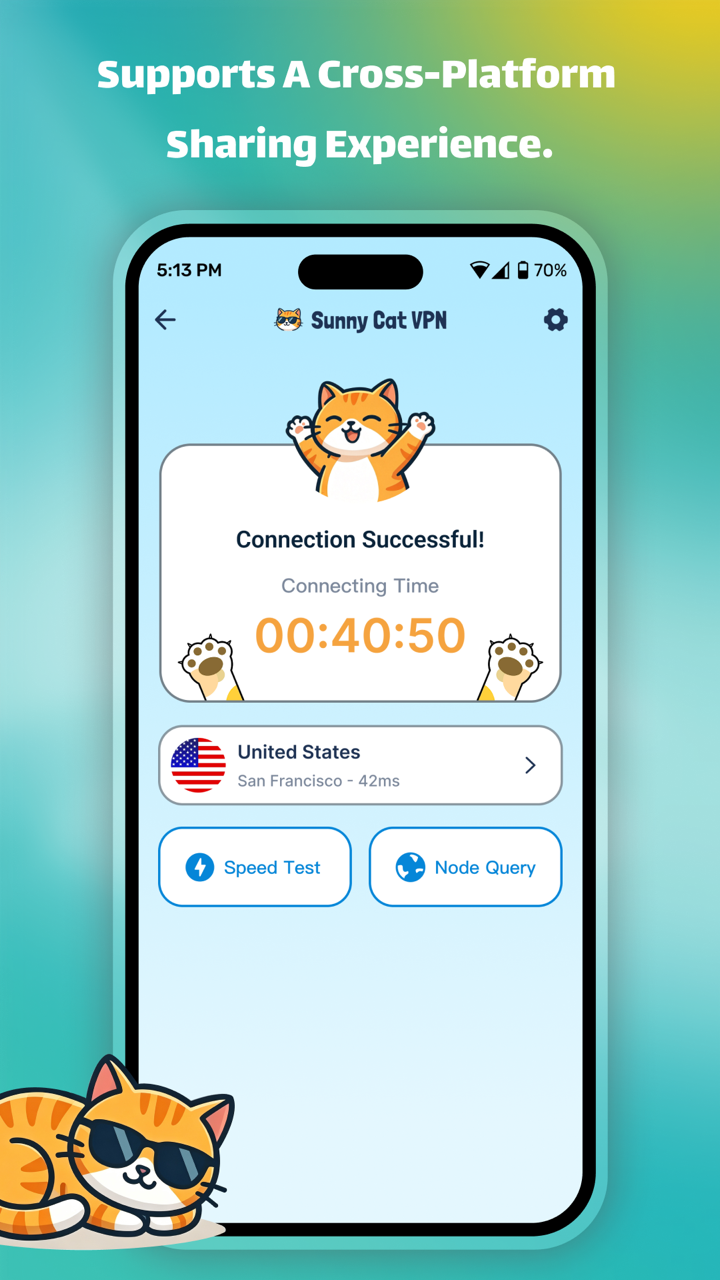
Open the speed test and node query tools right from the connection result.
Inside the app
Swipe through the actual product screens.
Clear by design
Read the full Sunny Cat VPN privacy policy on this website, or open the original policy source.
Ready when you are
Download Sunny Cat VPN for Android from Google Play.